











Aviator is a fast crash game in which a rising multiplier can end without warning. This guide explains how to access it, place bets carefully and manage your account from Zambia.
Why Players Choose Bongobongo Aviator
Aviator is built around short rounds and a visible multiplier. It begins at 1.00x and rises until the flight ends at a random point. A player chooses a stake, watches the multiplier and uses the cash-out control before the crash. If the cash-out succeeds, the stake is settled using the multiplier shown at that moment. If the round ends first, the stake for that round is lost.
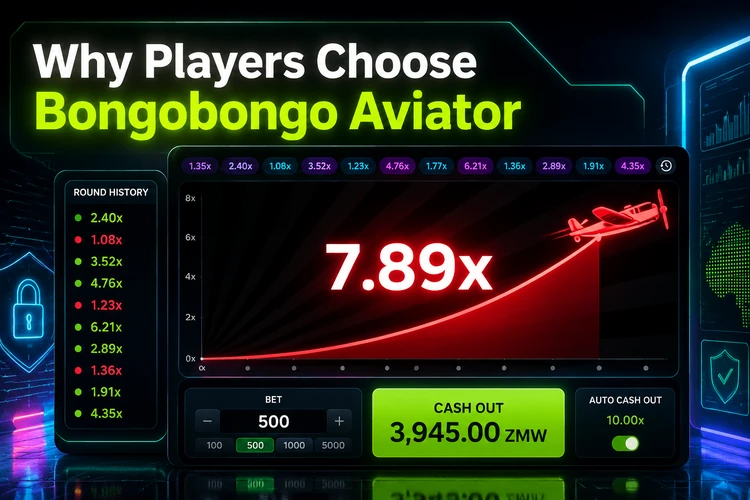
The appeal is the direct decision in every round rather than a long sequence of menus. The interface normally shows the current coefficient, active bets and recent-round history. History can help you read the screen, but it cannot predict the next result: each round is independent. Set a stake before playing and avoid treating a previous high or low result as a signal.
The game can suit brief mobile sessions, but speed also makes it easy to make several decisions quickly. Check the amount at risk before confirming a bet, and do not increase it simply because a previous round ended earlier than expected.
Create a Bongobongo Aviator Account
To get started, set up an account on the platform and follow the registration form. The form may request basic contact information, such as a mobile number, together with a password. Enter details carefully, because inaccurate account information can create problems when the account is checked before a payout.
Any confirmation step shown during registration should be completed before you deposit or play. The platform may ask for additional profile information or identity documents at a later stage. Read each instruction on screen and use only your own details. Once the account is active and funded through an available method, open the game area and select Aviator.
Login to Aviator Bongobongo
Returning players can access their accounts with the credentials created during registration. Enter the requested phone number or username and password, then check that you are using the correct login page before submitting the form. The same account can generally be used from a desktop browser or a mobile device.
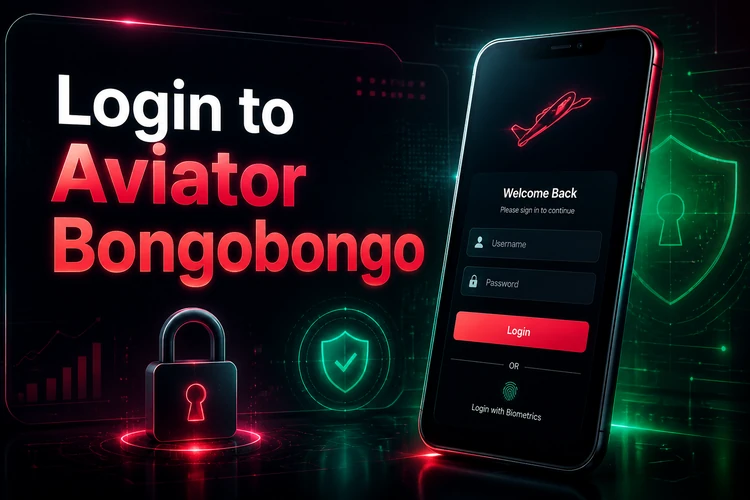
Keep the password private and avoid saving it on a shared phone or public computer. Log out after a shared-device session and check the address carefully before entering account information. If access fails, use only the recovery or support instructions displayed by the platform; do not send your password to another person.
Download Bongobongo Aviator App
Android users can check the platform's app installation page for the current mobile option. A mobile app can make the game easier to reach on a smaller screen, while the mobile browser remains an alternative if you do not want to install software. Use the official page rather than an APK shared through an unknown website.
If an APK is provided, review the installation instructions and your phone's security settings before proceeding. Download only from the platform source, check the requested permissions and remove the file if its origin is unclear. After installation, open the app, sign in with the existing account and confirm that the game and account details appear as expected. An app does not change the game's random outcome or remove the need for betting limits.
How Aviator Works
Each game cycle starts when betting opens. You select the stake and confirm it before the round begins. The multiplier then rises in real time. Cashing out at 1.50x, for example, settles a successful stake at that displayed coefficient; waiting longer may produce a higher return, but the flight can end before the control is pressed.
Some interfaces allow two bets in the same round. If that control is available, treat each bet as a separate exposure and check both amounts before confirming. An automatic cash-out setting may also appear, depending on the platform version. When available, it can close a bet at a chosen multiplier, but it cannot guarantee that the round will reach that level or prevent a loss if the crash happens first.
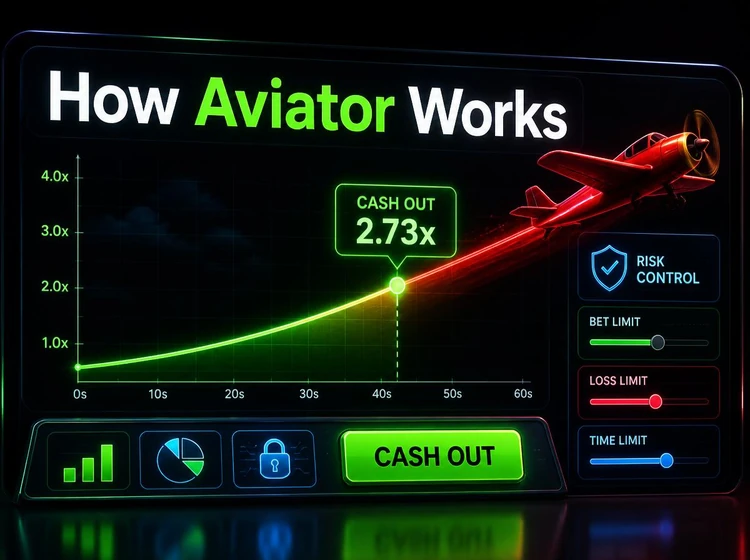
A practical approach is to decide the maximum stake and session budget before opening a round. A low cash-out target may reduce the time exposed to a crash, but it does not make a win certain. Likewise, a high target increases the chance that the round ends first. Recent results do not alter the odds of the next round, so avoid chasing losses or doubling a stake to recover money.
Withdrawals
When you want to request a payout, open the withdrawal area while signed in and follow the instructions shown for your account. Verification may be required, especially if it was not completed during registration. Use payment details belonging to you and check the recipient information before confirming the request.
Available methods, minimum amounts, fees and processing times can vary. Mobile money may be offered to customers in Zambia, but the current options and limits should be checked on the platform rather than assumed. Keep a record of the request and review its status in your account. Never share a one-time code or password with someone claiming to process a withdrawal.
Responsible Gaming
Aviator is gambling entertainment, not a way to secure income. Set a fixed budget for a session and stop when it is reached. Deposit limits, time reminders or other controls may be available on the platform; use them before playing rather than after a session has become difficult to manage.
Do not borrow money to bet, chase a loss or play when tired or upset. Taking a break is a sensible response if the activity stops feeling controlled. Players must be 18+ to participate in betting activities. If you are worried about your gambling, pause your account activity and seek help from a suitable local support service.
Frequently Asked Questions
Aviator is a crash game in which a multiplier rises from 1.00x and ends at a random point. A player must cash out before the round ends for a successful settlement at the displayed multiplier.
Open the platform registration form, provide the requested contact details and create a password. Complete any confirmation or identity checks shown before depositing or requesting a payout.
Use the login page and enter the phone number or username and password linked to your account. Keep these details private, particularly when using a shared device.
An Android installation option may be available through the platform's app page. Use the official source, review the installation instructions and avoid APK files from unknown websites.
Request a payout from the withdrawal area after signing in. Your account may need verification, and the available methods, limits, fees and processing times should be checked in the current account instructions.
Yes. You can use a compatible mobile browser or the available Android app. A phone provides access to the same basic round controls, but it does not change the random results or remove the need to manage your budget.